
Simply track your money just from your bank statements
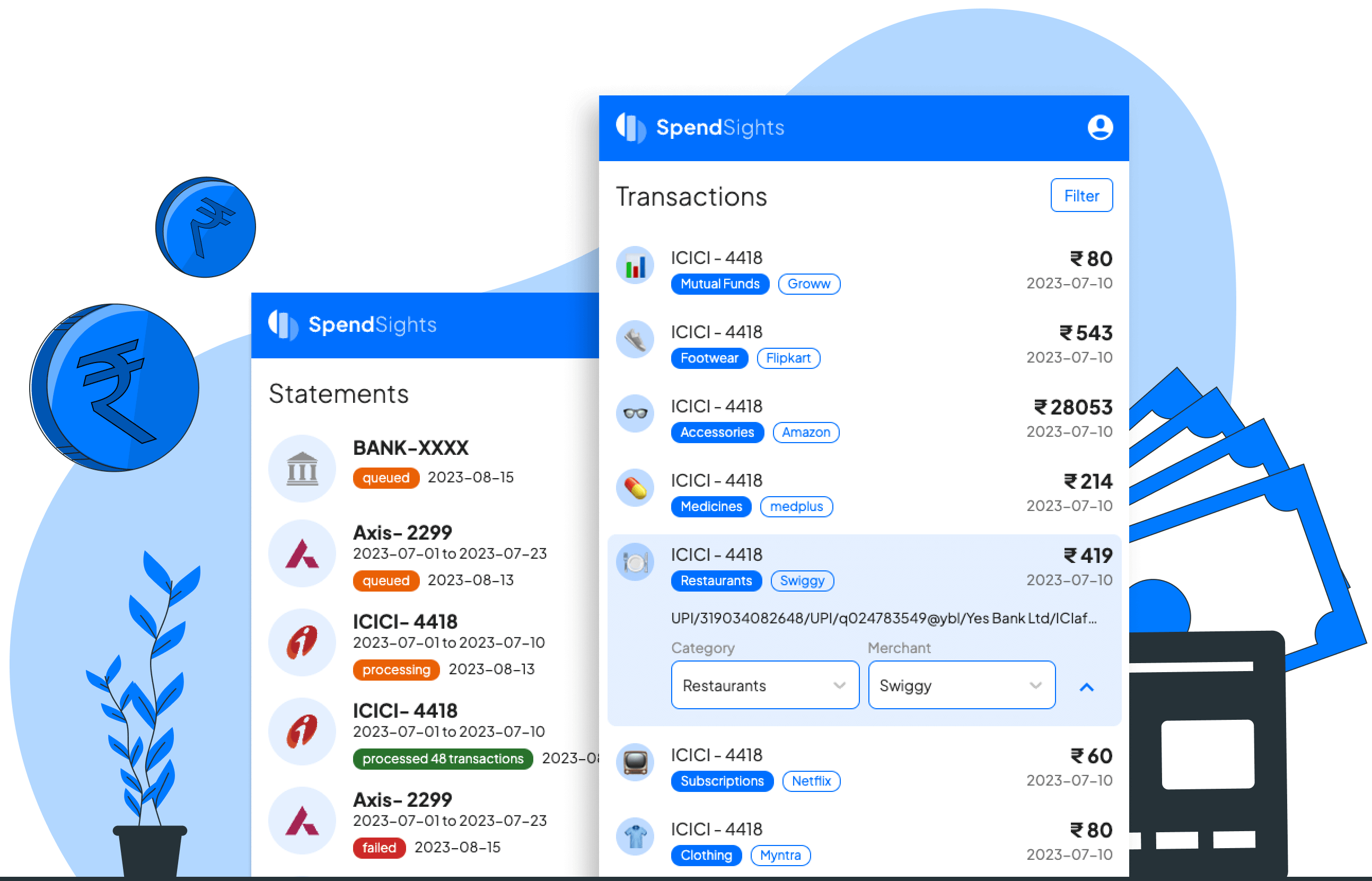
A tool to process your bank statements, categorize transactions, and get financial insights on your spending.
Supported Banks
Our system can process the bank statements from most of the Banks in India and we are keeping on working to support more new banks.


Why we built SpendSights?
-

Third party apps reading your SMS & Emails?
Reading a personal sms/emails to track bank transactions is not the privacy friendly behaviour.
-

Manually logging each transactions?
It's a daunting task to manually enter all the transactions we made in the expense manager applications.
-

Needs banking creds or OTP?
It's no brainer to not give banking credentials to applications for reading your financial statements.
-

Frequent data sync issues?
Is your bank and expense tracking application not having latest data due to frequent server outages.
How it works?
-
1

Upload your bank statements
You can upload your bank statements directly in our app or setup an automatic email forward from your inbox at the month end.
-
2

Automatic Categorization
We categorize your transactions based on the Vendor, Date & Amount combinations automatically.
-
3

Self Labelling & Learning
You can create your own categories and train the patterns for similar transactions, our AI will pickup the right category from next time.
Frequently Asked Questions
Is SpendSights an Expense Manager App?
SpendSights is an expense manager app designed to analyze your bank statements and offer detailed reports on your spending habits.
How is it different from other expense tracker apps?
SpendSights sets itself apart from other expense tracker apps by its ability to process bank statements offering a deeper level of analysis and insight into your spending behavior. This feature allows users to gain a comprehensive understanding of their financial habits without the need for manual input of expenses, getting a new neo-bank account or paying huge monthly fees to account aggregator based apps.
How SpendSights categorize UPI transactions?
SpendSights automatically categorizes transactions using vendor names; if unavailable, it scans for keywords like "food" or "fuel" in the message field added during UPI transactions.
Is SpendSights available as a web version?
Yes, SpendSights is available as a web version for convenient access on desktop/laptop, tablet and mobile devices.
Is there an always freemium plan?
Yes, we offer an always-free tier plan capable of managing statements from one bank. Upgrade to our premium plan to handle multiple bank statements simultaneously.
How does SpendSights make money without selling our data & running ads?
SpendSights upholds its commitment to user privacy while ensuring a sustainable business model by providing premium features through a subscription-based model. Users can access advanced functionalities by paying an annual fee.
Do you need an App?
SpendSights app is built on a technology called Progressive Web App (PWA) which provide a native app-like experience on the web. They can be installed on Android, iOS and Desktop devices and users can interact with them even when they're offline.